 Eye Heru 369

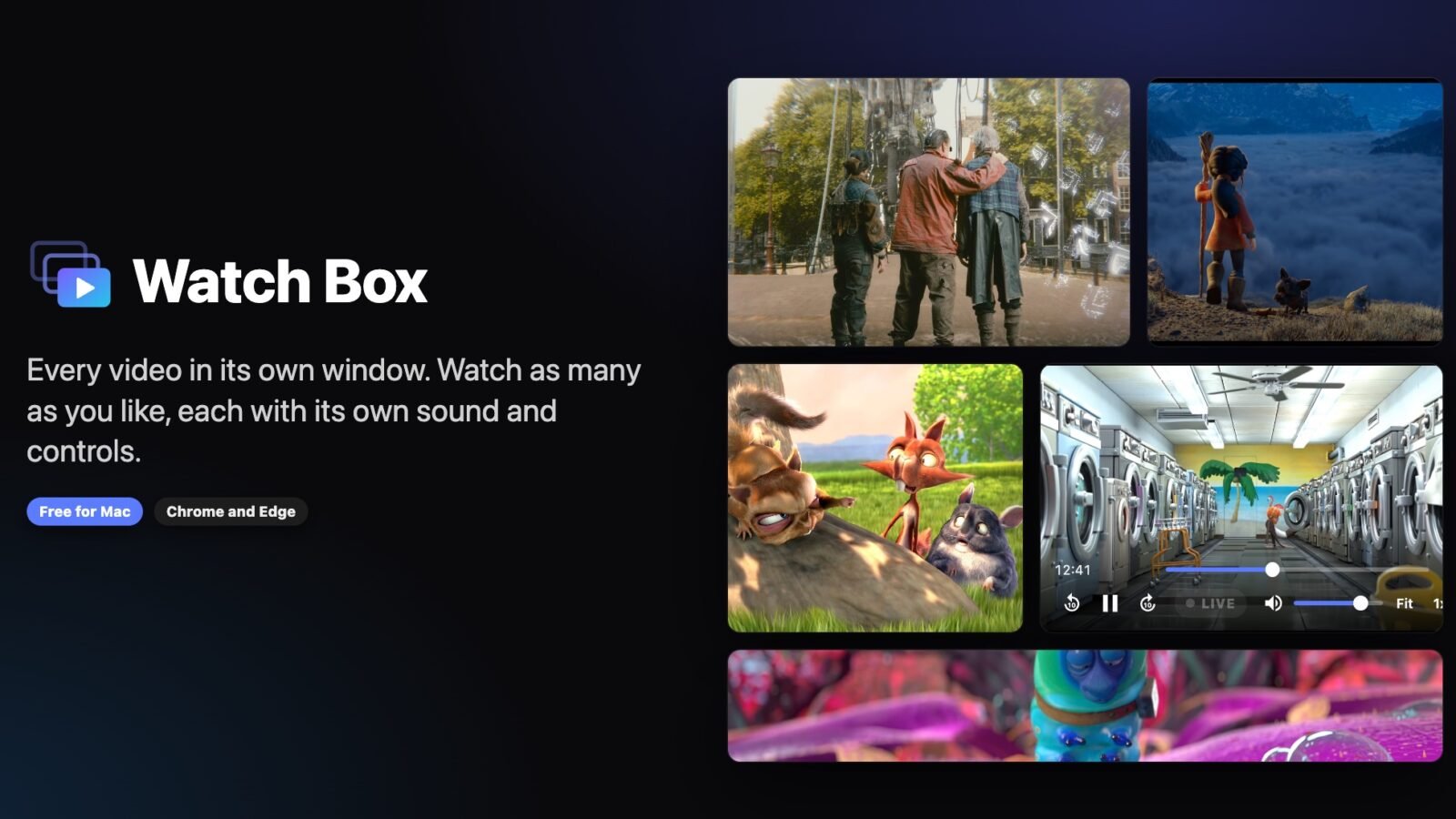
Ever tried to watch the game and keep an eye on a stream at the same time? Picture-in-picture gives you one tiny window, and half the sites block it. So I built something better.
Watch Box puts every video in its own window. Pop out as many as you want, each with its own sound and its own controls. Line them up, keep one on top, or switch any window to just the picture.
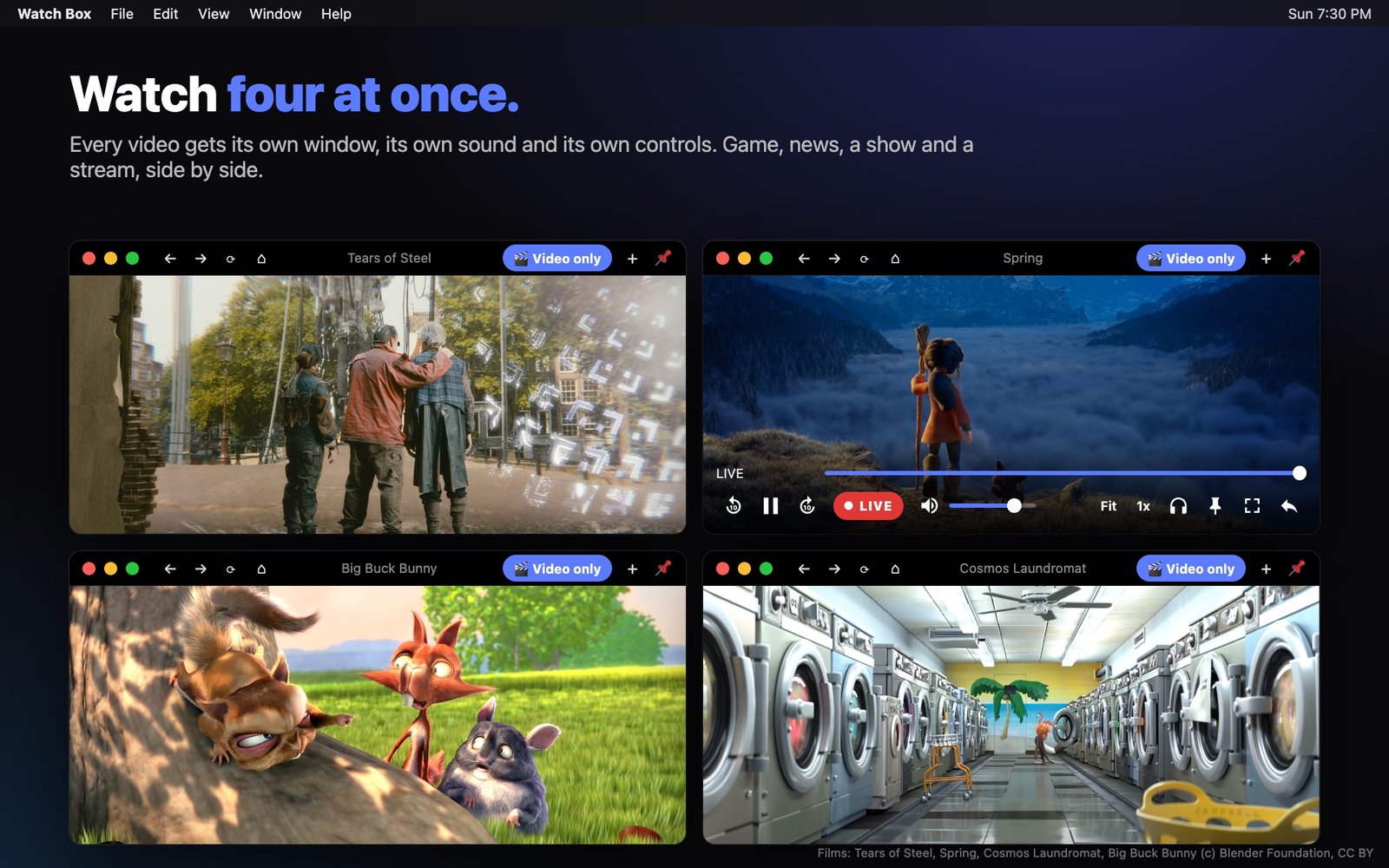
What it does
Scrub and skip, jump back to LIVE when you fall behind, set the volume per window or Solo the one you want to hear, stretch away black bars, and speed things up to 6x. Quit and come back later, and every window reopens right where you left it. It works with Netflix, Disney+, Hulu, Prime Video, HBO Max, Peacock, YouTube TV, Sling, Fubo, DAZN, ESPN, Xfinity Stream, Tubi, Pluto TV and pretty much any other video site.
Free for Mac, Chrome and Edge
The Mac app is free, signed and checked by Apple. The browser extension for Chrome and Edge is free too, and is on its way to the Chrome Web Store and Edge Add-ons. No ads, no tracking, nothing leaves your computer.
Get Watch Box here. If it makes your viewing better, you can support it here.
Keep reading

What to Look for When You Grocery Shop!
I ran 1,561 grocery products through the same 9 label checks I use in the aisle. 77 percent failed. Here is exactly…

Obtaining the Proper Daily Nutrition 🌿
Introduction: What’s up family? Today we are sitting down with something that touches every single one of us, every single day. Food.…

Ancient Egypt: The Paleolithic Foundations 🌍
Updated 20 July 2026: First published December 12, 2024. Expanded with ancient DNA published since. When I look at history, I always like…