 Eye Heru 369
App · Plugin · Free
Watch Box
Every video in its own window.
BrowsermacOS
Overview
What it does.
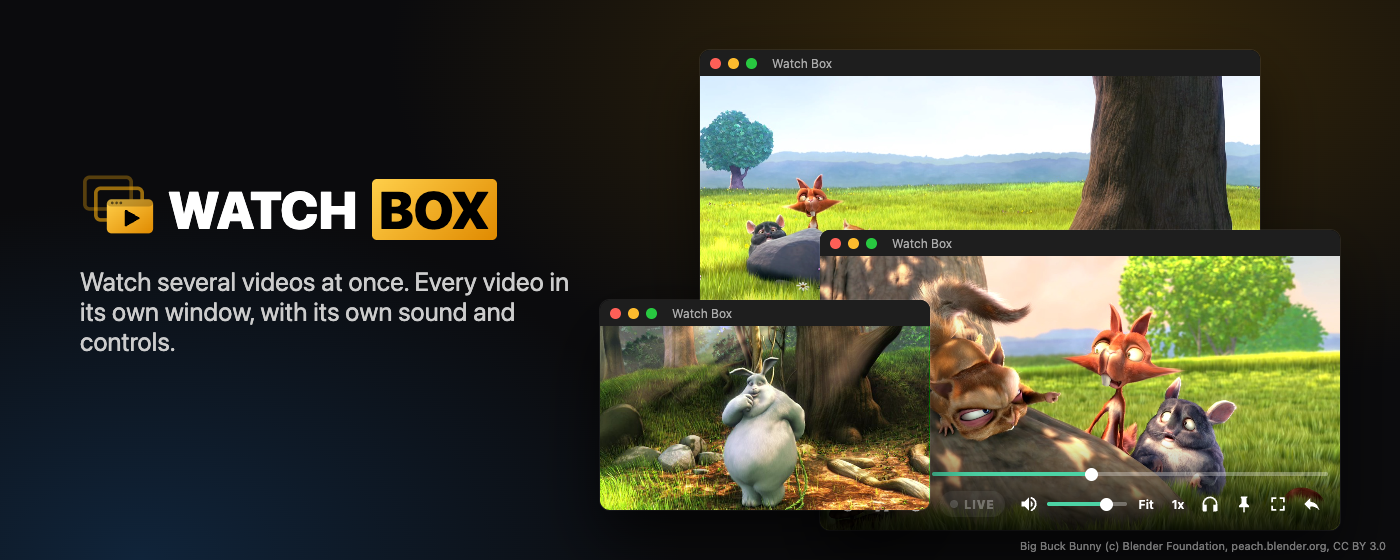
Watch more than one video at a time, the easy way. Watch Box puts every video in its own clean, resizable window. Follow a game, a live stream and a show side by side, each with its own sound and its own controls.
Two ways to use it
- Watch Box for Mac: a free app made for watching. Open your streaming services in their own windows, switch any window to just the picture, keep it on top, and tile them across your screen. Protected streams play too.
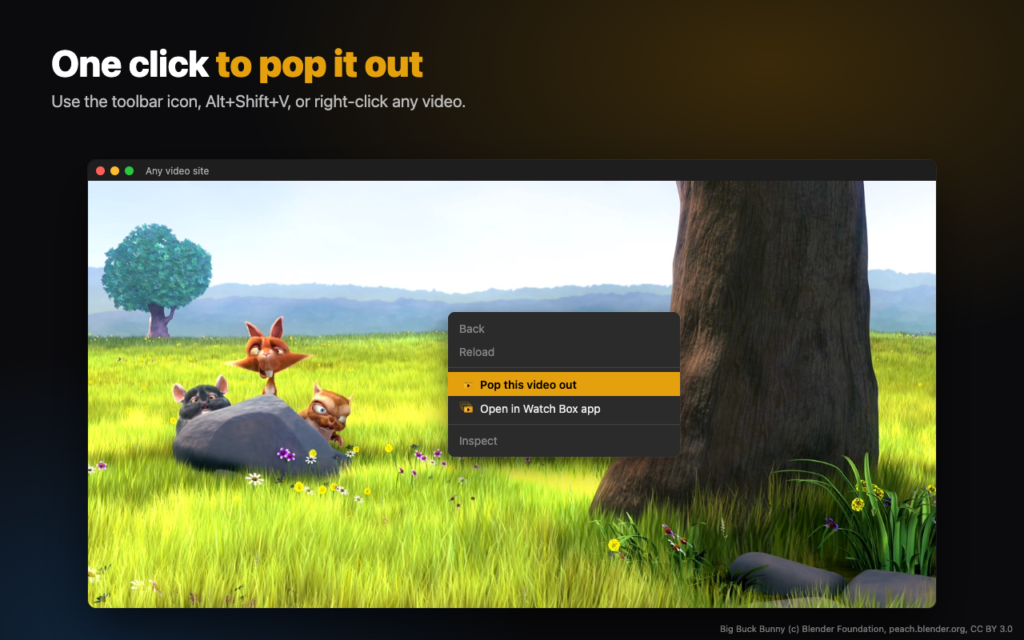
- Watch Box for Chrome and Edge: a free browser extension. Click the Watch Box icon on any video and it pops into its own window with full controls.
Download for Mac
Free. Signed and checked by Apple, so it opens with no warnings. Pick the download for your Mac:
Not sure which one? Apple menu, About This Mac: “Chip” means Apple Silicon, “Processor” means Intel.
To install: open the download, then drag Watch Box into your Applications folder.
Works with
Netflix, Disney+, Hulu, Prime Video, HBO Max, Peacock, Paramount+, Plex, YouTube TV, Hulu + Live TV, Sling TV, Fubo, DAZN, ESPN, Xfinity Stream, YouTube, Tubi, The Roku Channel, Pluto TV, Twitch and almost any other video site. You sign in to your own accounts; Watch Box never sees your passwords.
Free, and supported by you
Watch Box has no ads and collects nothing. If it makes your viewing better, you can support it here.
Features
Built to tune you.
- As many windows as you like
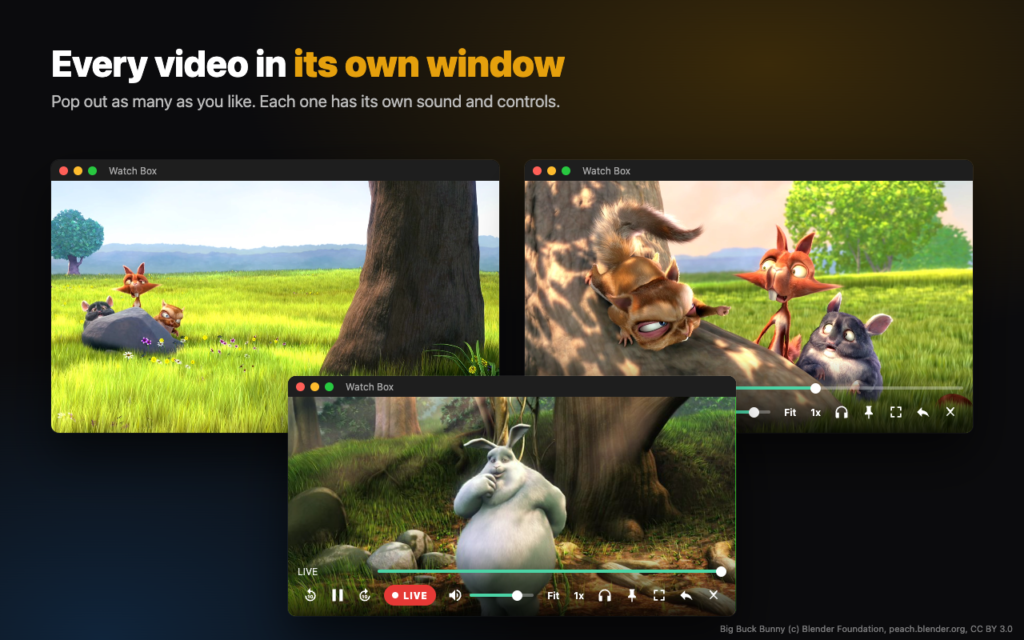
- Every video gets its own resizable window with its own sound. Watch a game, a stream and a show at the same time.
- Just the picture
- Switch any window to video only: no page, no menus, just the video, shaped to fit and easy to drag anywhere.
- Full controls
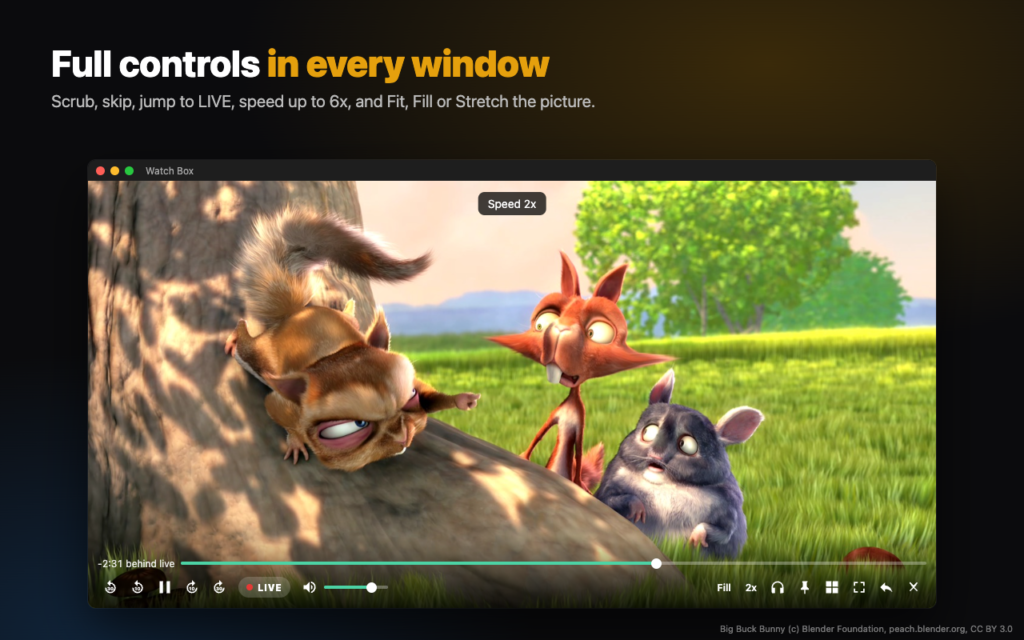
- Scrub, skip 10 or 30 seconds, jump to LIVE, volume per window, Solo sound, and speed from 0.5x to 6x.
- Fit, Fill or Stretch
- Get rid of black bars in one click.
- Keep on top and tile
- Pin a window over everything, or tile all of them across your screen.
- Protected streams play
- Built with copy protection support, so subscription services play in their own windows.
- Private
- No accounts, no ads, no tracking. Nothing leaves your computer.
Screens
Take a look.
Get it
Every platform.
- Price
- Free
- Version
- 0.1.17 (Mac) · 1.0.9 (extension)
- Requirements
- macOS 12+ (Apple Silicon or Intel), or Chrome / Edge for the extension
- Formats
- Mac app (Apple Silicon and Intel) · Chrome and Edge extension
- Privacy
- Privacy policy
Apps & plugins